It is pretty simple to make an multiplication table.
We need a mixed reference to achieve this.
This is the final result

Below is our starting point.
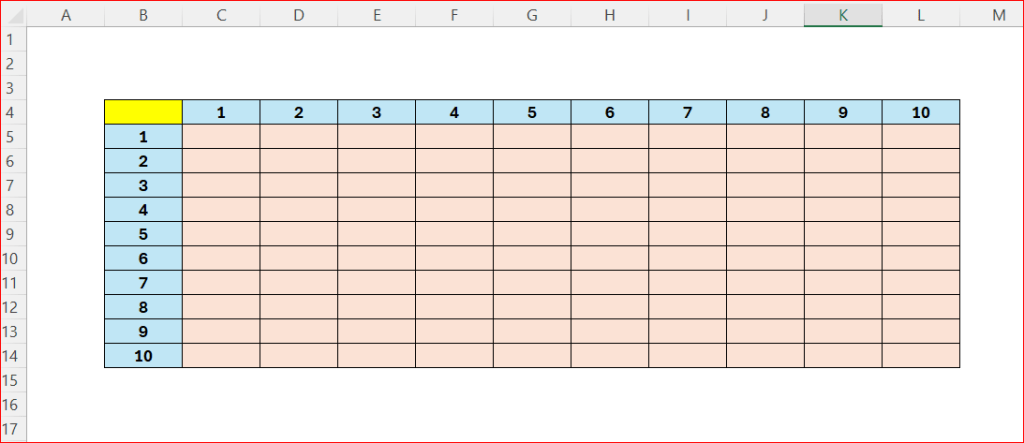
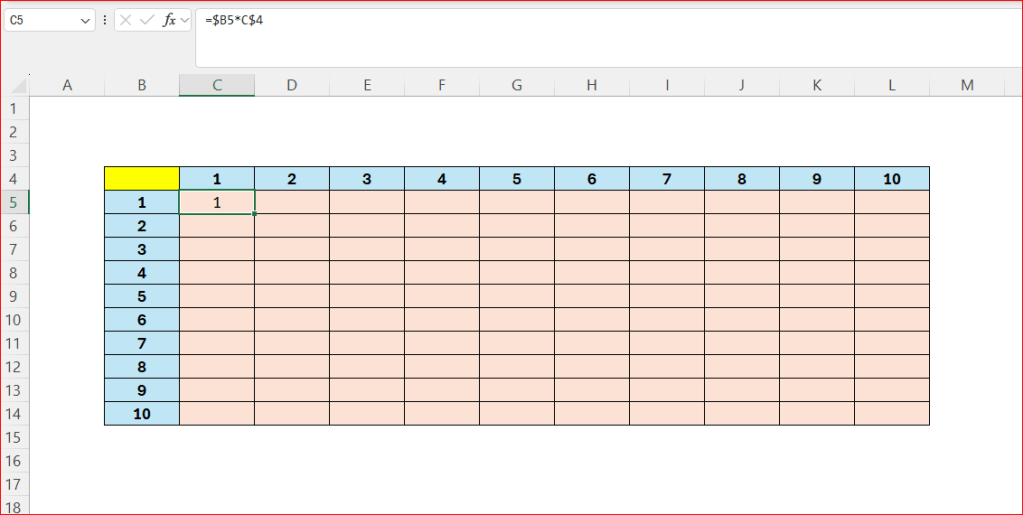
In cell C5, enter the following formula
- =$B5*C$4
- Drag the formula across all cells
- The first part locks the column
- The second part locks the row
 Excel tutorials
Leave a comment