Often there is duplicates in our data, EXCEL offers lots of ways to remove those.
In this post we are going to use the UNIQUE function to get rid of the duplicates.
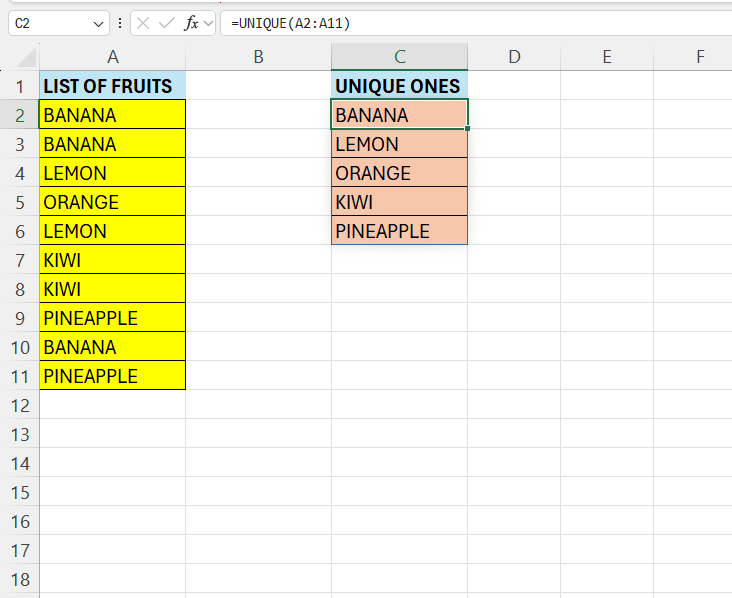
In column A we have a list of fruits, un-sorted and there is lot of duplicates. In column C we have the fruits, without duplicates.

To achieve this, enter the following formula in C2:
=UNIQUE(A2:A11)
Very basic, we simply supply the range where we want the duplicates removed. The result from the above is a list of unique values.
Keep in mind that this function only works in newer versions of EXCEL.
 Excel tutorials
Leave a comment