-
 Continue reading →: EXCEL ISNUMBER
The =ISNUMBER() function in Excel checks if a cell contains a numeric value or not, it returns either TRUE or FALSE. The function only requires one argument, the value that you want to test. Below we have some input in column B – in column C we want the result.…
-
 Continue reading →: Capitalize first letter
In Excel there is a function that can be used to make every word in a sentence start with a capital letter. It can be useful if we want some consistency in our data. If we want every word to start with a capital letter, enter the following formula in…
-
 Continue reading →: Merge and center
Merging in Excel combines two or more cells into one bigger cell. Lets clarify: Below we have 4 columns of data – sometimes it is nice to have a label that stretches across more columns. Select A1:D1, go to the Home tab and click on “Merge & Center” Then we…
-
 Continue reading →: Extract first digit from string
In this tutorial we are going to see how we can extract the first digit in i string. Below we have an example. In A2 we have a word with some digits in it – the goal here is to extract the first digit in it – that is number…
-
 Continue reading →: INDEX MATCH
One of the more common functions for looking up values is to combine =INDEX() with =MATCH() Below we have a list of fruits, price and weight and color. We want to enter a fruit – then Excel should fetch the price for us. In B13 we enter a fruit that…
-
 Continue reading →: Convert data into a table
Sometimes we have to transform our data into a table – to get filter options, for sorting and so on. Lets look at some data as an example, below we have som data: To convert this to a table – select all the data: Then we hit CTRL+T Then we…
-
 Continue reading →: Profit calculator
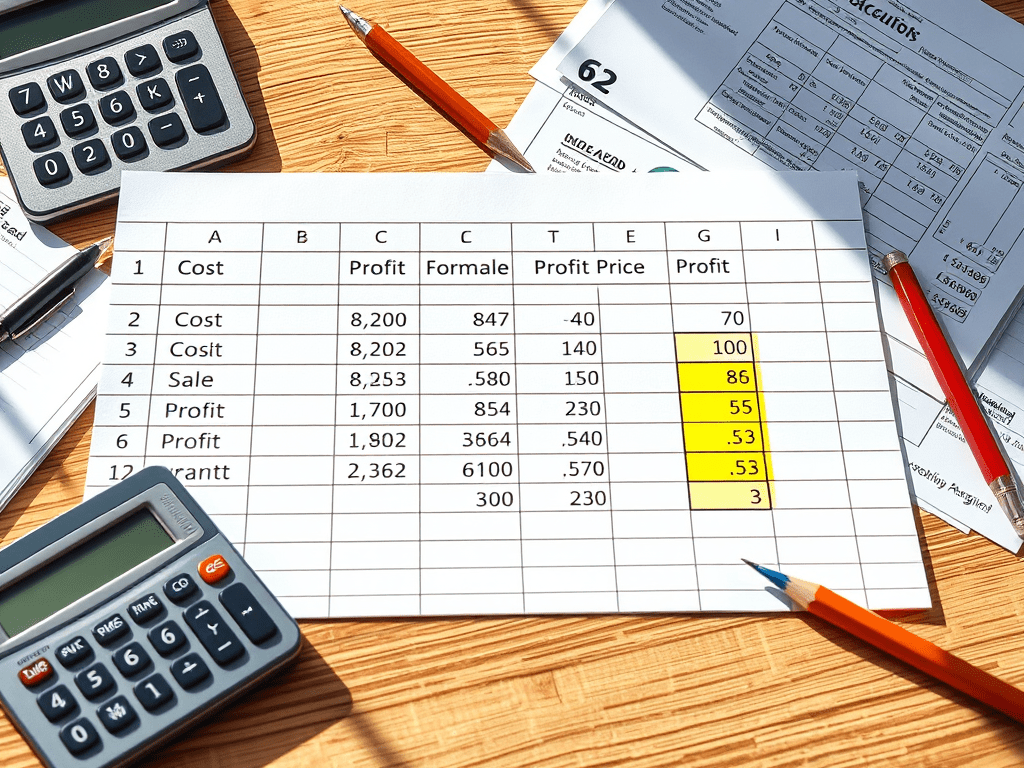
In our daily business it is important to keep track of profits and margins – we can easily do this in Excel. Below we have some example data to play with: Above we have some products, what we bought them for, and what we sold them for – column D…
-
 Continue reading →: Split text in Excel
Sometimes we have a lot of text in a cell separated by some delimeter, like a comma. Often it is easier to split this up into columns instead – for readability and to make calculations. Lets clarify how by a simple example: In column A we have words separated by…
-
 Continue reading →: Combine text
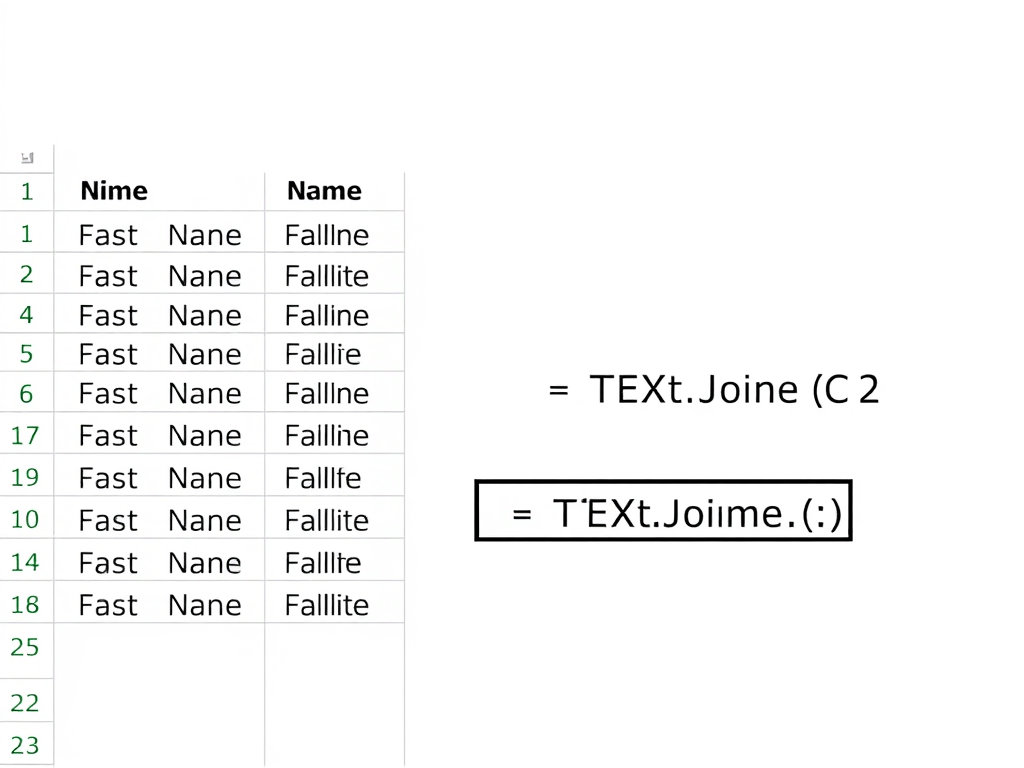
Sometimes we need to combine, or concatenate two or more cells in Excel, there are many ways to achieve this – in this part we are going to look at the =TEXTJOIN() function. This function takes 3 parameters: Below I have a small example: In column A and B we…
-
 Continue reading →: SEPARATE FIRST AND LAST NAME IN EXCEL
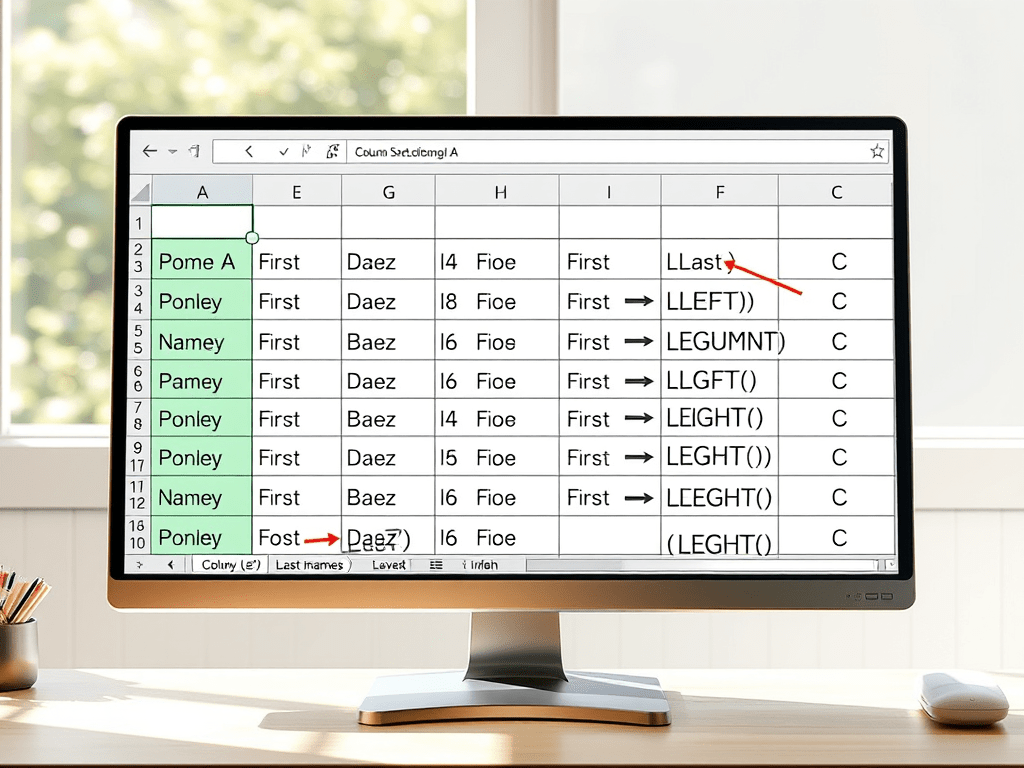
If we have a lot of names in Excel, to do sorting on this later on we often need to split full names into 2 separate columns There is a text-to-column feature in Excel, but for large datasets this is more smooth. Below is my data to play around with,…
-
Subscribe
Subscribed
Already have a WordPress.com account? Log in now.
 Excel tutorials