If users are supposed to enter a certain number of digits in a cell, a way to make sure that happens is to use data validation. In this way we can make sure the user is entering the approved number of digits.
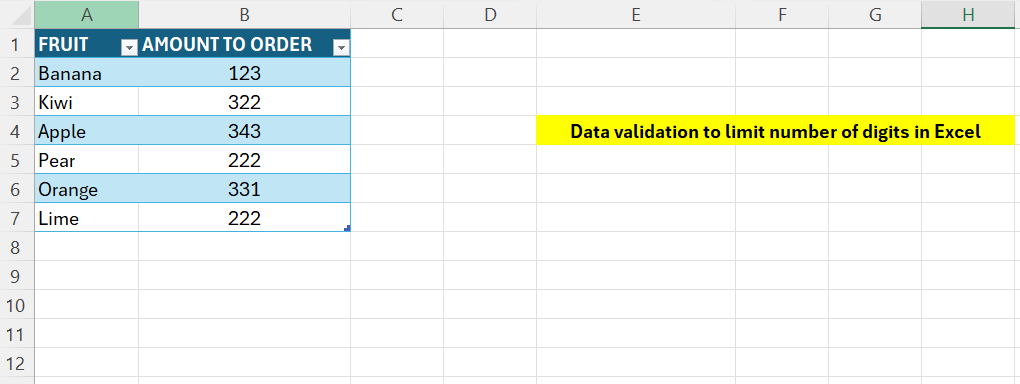
Above we have some data in column A, in column B the users are supposed to enter a three-digit number. If incorrect, an error-message will appear.
- Select the range B2:B7
- Go to the Data-tab then select “Data Validation”
- Select “Custom” under the “Allow”
- In the Formula field, enter below
- =AND(LEN(B2)=3;ISNUMBER(B2))
The second half checks that the input is a number, it will return TRUE or FALSE. The first part checks that the length is equal to 3. Both conditions needs to be true.
 Excel tutorials
Leave a comment