If we want a user to enter like product ids, we usually don´t want them to enter duplicates.
One way to prevent this is with data validation.
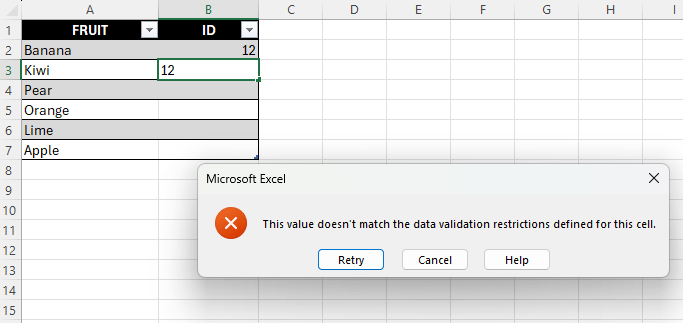
Above a user has tried to enter a value that already exists, we then get an error-message.
Follow this steps to set this up:
- Enter some data in column A, leave column B empty
- Select the cells in column B where you want the data validation to apply.
- Go to the Data tab, select “Data Validation”
- Select “Custom” from the “Allow” list
- In the formula field, enter below
- =COUNTIF($B$1:$B$7;B1)=1
- Hit “OK”
- The COUNTIF function simply counts the number of values in the range that are equal to the value in cell B1.
- This may occur only one, because we set the condition = 1
 Excel tutorials
Leave a comment