A common task in Excel is to calculate working ours, this can be tricky due to different formats and formatting.
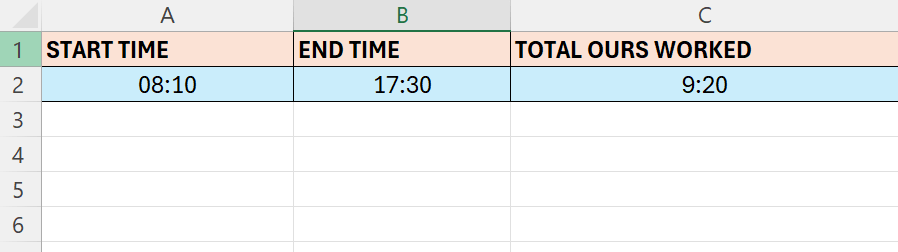
Above we have a start time and end time, and we are going to calculate the total hours worked.
- We have to format column A and B as Time
- Select those column and choose format cells
- Select “Time” – and select the appropriate Type based on your location and format
- In cell C2 enter the formula =B2-A2
- Format the formula cell
- Choose Format cells
- Select Custom
- In the Type input-box type:
- [t]:mm
 Excel tutorials
Leave a comment