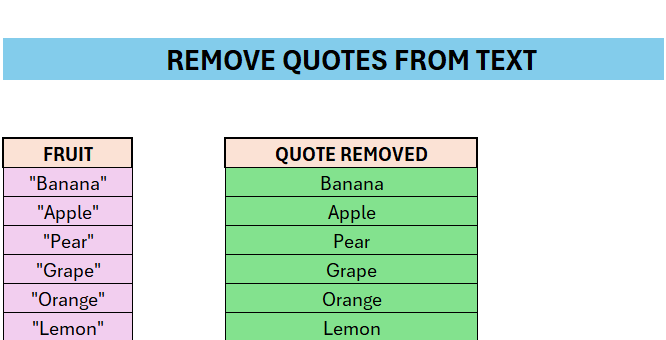
Sometimes we need to remove different symbols or characters from cells. Here we are going to look at how we can remove quotes from a string.
- Enter some text with double-quotes in a column of your choice
- Enter the below formula in the column to the right
- =SUBSTITUTE(F9;CHAR(34); )
- Char(34) is the code for a double-quote
- The formula simply substitutes those symbols with nothing
- Drag the formula down to apply to all cells
 Excel tutorials
Leave a comment