To extract text between quotes we can use a number of different techniques. In this article we will explore two function:
- TEXTAFTER
- TEXTBEFORE
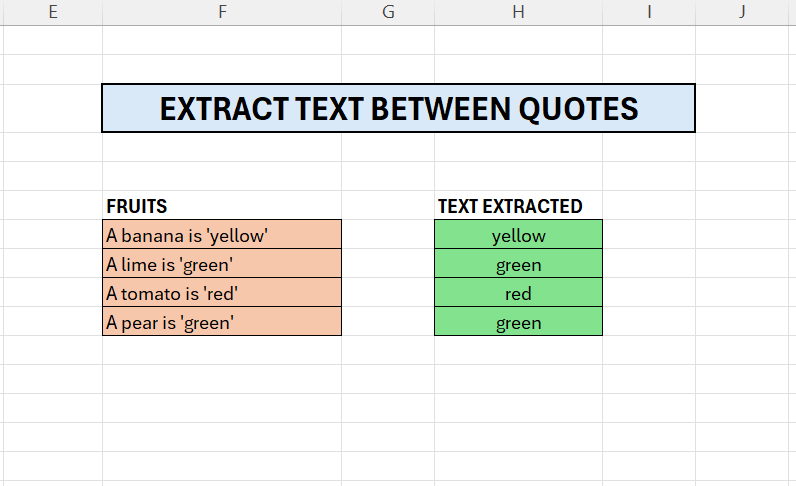
In column F we have some sentences, the color in quotes, in column H we have extracted the color.
- Enter the formula in cell H7
- =TEXTBEFORE(TEXTAFTER(F7;”‘”);”‘”)
The TEXTAFTER extracts the data after the first quote
- In the first case above, this gives us yellow’
- The output from this is passed to TEXTBEFORE, which returns the text before the second qoute.
- This gives us yellow
 Excel tutorials
Leave a comment