A very common task in Excel is to keep track of various tasks or assignments.
We can accomplish this with databars, like below.
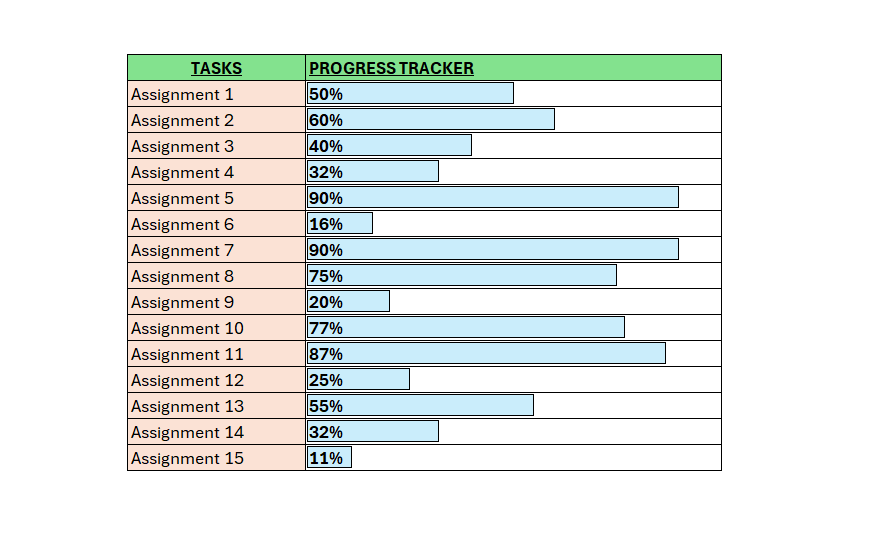
To accomplish above follow the below steps:
- Enter one column of task or assignments
- Enter numbers in the column next to it
- Select all the numbers
- Go to the “Home” tab and select “Conditional Formatting”
- Select “Data Bars”
- Choose the one you feel look good
- Now bars appear that show the progress of your tasks
- If you edit the digits, the bars automatically changes.
 Excel tutorials
Leave a comment