If we have a column with a moderate number of cells, it is easy to select all the cells. Simply mark a cell and drag the cursor to the bottom.
But if we have a column with thousand of cells – this is now very efficient.

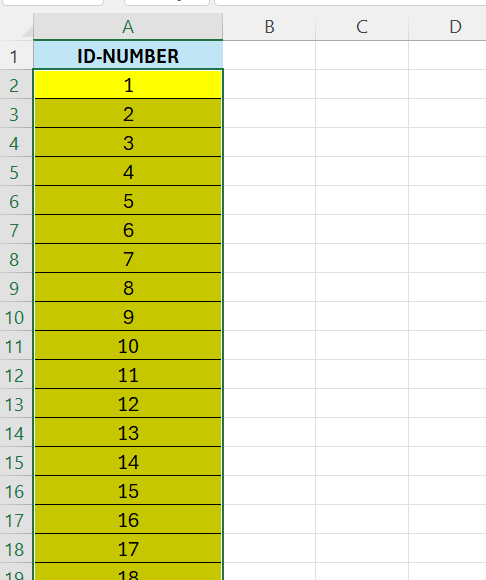
Above we have a column with 5000 cells, and we want to select all the cells, except the header.
A quicker way is as follows:
- Select the first cell – in this case A2
- Hit CTRL+SHIFT+DOWN ARROW
 Excel tutorials
Leave a comment