The subtotal function in Excel is a useful way to calculate smaller amounts of a range. Here we are going to calculate the total sum, but we will see how the function works.
The goal is to calculate the total price in column C.
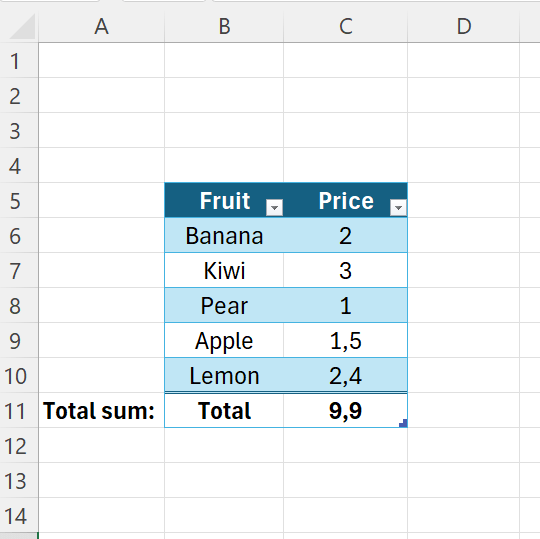
Start by entering some data.

Then convert it to a table, select a cell in the range, then hit CTRL+T.
Remember to check the box including headers.
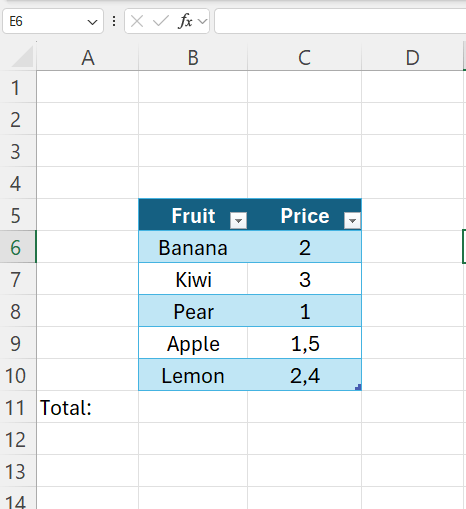
Then go to “Table Design” – check the “Total Row” checkbox.
Now a total is automatically included below the table.

 Excel tutorials
Leave a comment