
Merging in Excel combines two or more cells into one bigger cell.
Lets clarify:
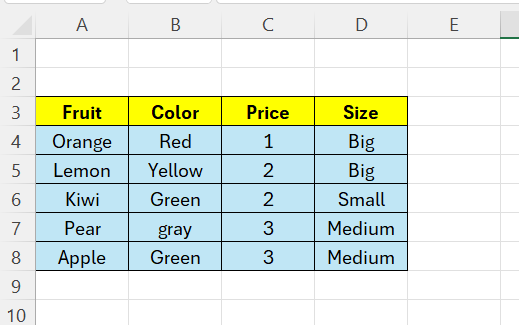
Below we have 4 columns of data – sometimes it is nice to have a label that stretches across more columns.
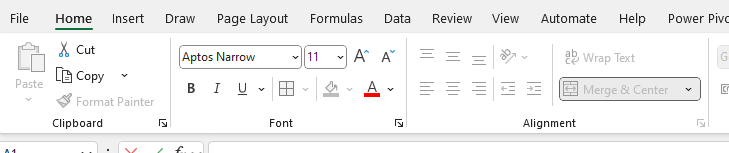
Select A1:D1, go to the Home tab and click on “Merge & Center”
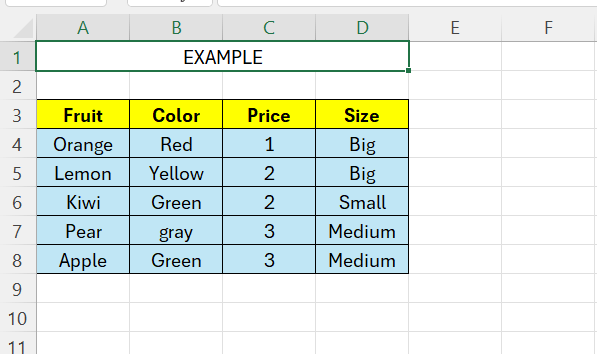
Then we can write our label in our new longer field:
 Excel tutorials
Leave a comment