
Sometimes we have to transform our data into a table – to get filter options, for sorting and so on.
Lets look at some data as an example, below we have som data:

To convert this to a table – select all the data:

Then we hit CTRL+T
Then we get the below – in this case – check “My table has headers”

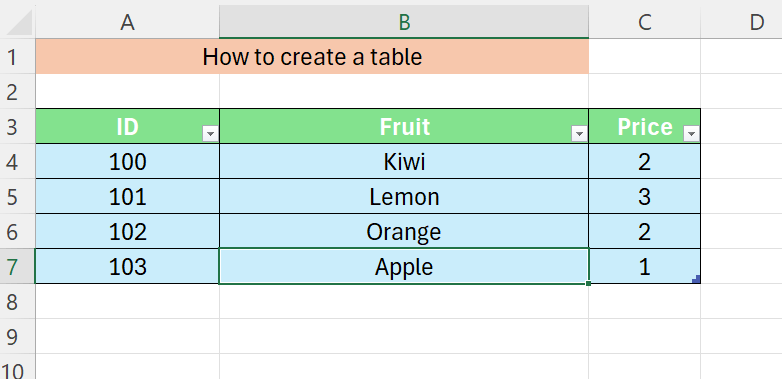
And now we have our table, with filters
 Excel tutorials
Leave a comment