
In Excel 365 there is a function we can use to extract the last word in a cell.
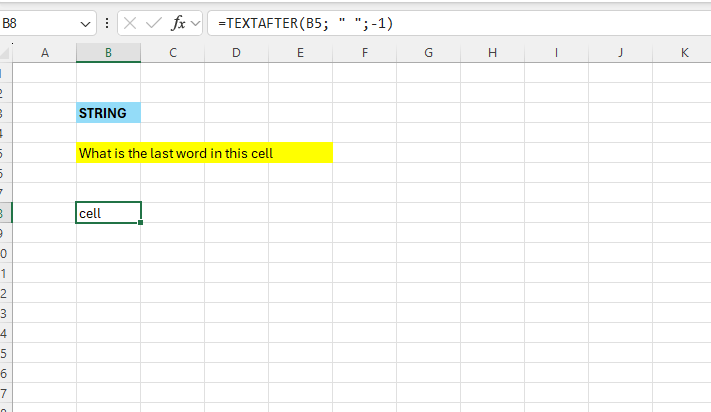
Enter some data in Excel:

We are going to make use of the =TEXTAFTER function
This function extracts all text in a cell after a specific character or substring.
In Cell B8 – enter the below formula:
=TEXTAFTER(B5; ” “;-1)
The first argument is the text to search in
The second argument is the delimeter – in this case it is space
The last is optional – in this case it is just to get rid of the space itself.
 Excel tutorials
Leave a comment