
In Excel we can easily calculate grades based on scores – and in that way also calculate the higest grade among student.
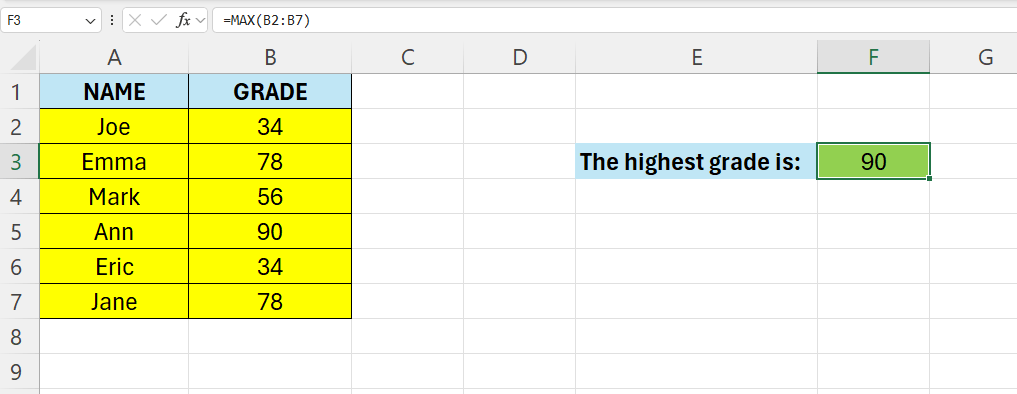
Enter some names and grades in Excel – like below

The get the highest value we are going to make use of the =MAX function
The syntax for the MAX function is like this:
=MAX(number1,[number2],…)
In Cell F3 – enter the following formula:
=MAX(B2:B7)
In the next part we are going to show where the highest value are located.
 Excel tutorials
Leave a comment