
In this part we are going to see how we can use Excel as an converter from Celsius to Fahrenheit.
We are going to make use of the function =CONVERT(number,from_unit,to_unit)
This function converts a number from one measurement system to another.
Start by entering some values in a column – then next to it leave a column for the conversion.
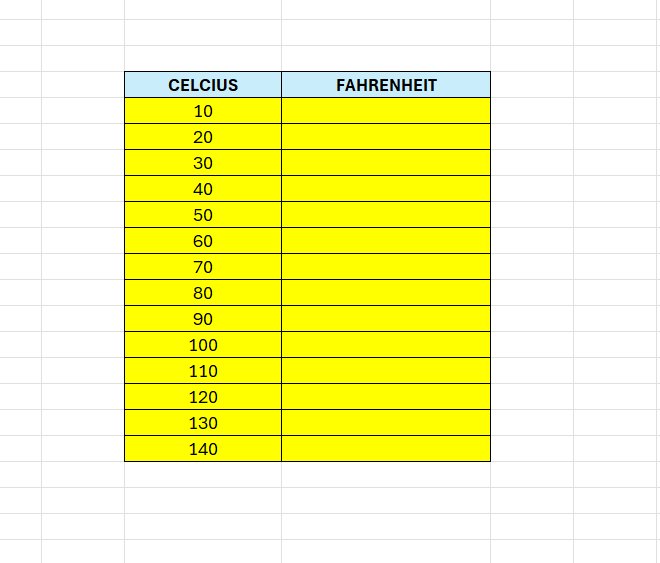
Next, in the adjacent column, enter this forumla:
=CONVERT(C5;”C”;”F”)
Drag the forumla down to the bottom to fill all the cells.

 Excel tutorials
Leave a comment