
Sometimes we need to use random numbers in Excel to handle certain situations.
The Excel RAND() function returns a number between 0 and 1. This function requires no arguments at all. The RAND() function on its own is very simple to use.
Lets clarify with a small example
Type =RAND() in a cell and hit ENTER


To generate more just drag the formula down.
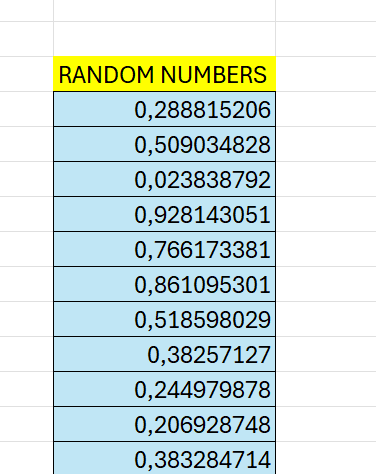
Keep in mind that =RAND() recalculates every time a workbook is opened or changed, and it can be heavy if it is a big load of data.
 Excel tutorials
Leave a comment