
Sometimes we face the issue with blank cells in our data. if we have formulas involved this can cause trouble.
My approach to this is to find all the blank cells, and fill them with a value, like 0 or N/A.
Lets see how this can be done. Enter some data in column A and B – like below.

Here we see that we have 3 blank cells.
Now, select all your data – then hit F5 – this will open the Go To dialogue.
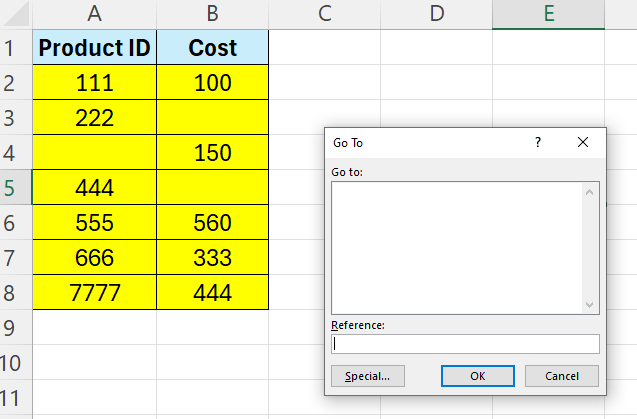
Click the “Special” button.
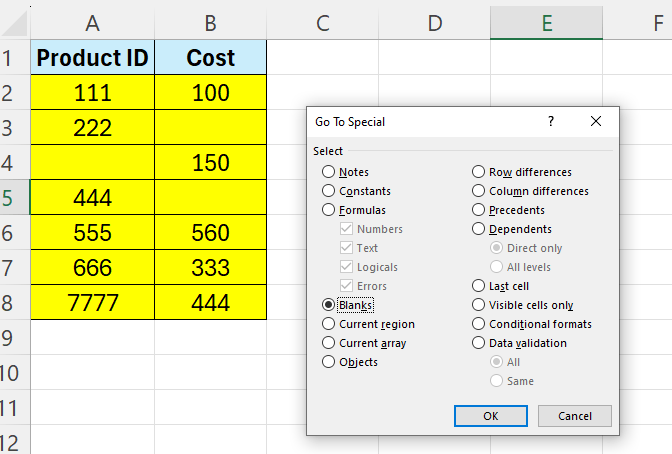
Select “Blanks“.
Type N/A in the selected cell.
Press Control + Enter.
Now all your blank cells are filled with NA

 Excel tutorials
Leave a comment